
Wine Atlas Collective Docs
Wine Atlas Collective is a private application developed to facilitate tagging customers who are club members of any winery within the collective. The app provides instant membership validation feedback for tasting room staff, manual upload capabilities for external membership lists, and email verification tools.
Introduction
Welcome to the Wine Atlas Collective documentation. This guide will walk you through setting up and using the Wine Atlas Collective membership validation app.
Wine Atlas Collective is a private application developed to facilitate tagging customers who are club members of any winery within the collective. The app provides instant membership validation feedback for tasting room staff, manual upload capabilities for external membership lists, and email verification tools.
The app automatically tags customers who are confirmed club members of other wineries within the Wine Atlas Collective, providing instant feedback for your tasting room staff and helping you identify cross-promotional opportunities.
Features
Requirements
Before you begin, make sure you have:
- Commerce7 admin access
- Membership in the Wine Atlas Collective
- (Optional) Group Code and PasswordFor external login access and advanced features
Setup Instructions
Step 1: Install the App
Install the "Wine Atlas Collective" app from the Commerce7 App Store. Upon installation, your winery will be automatically added to the Wine Atlas Collective group.
Note: The app is private and available only to Wine Atlas Collective members. Contact support if you need access.
Step 2: Configure Optional Settings
Optionally configure your Group Code and Password. These credentials enable external login access and allow you to:
- Access the app from outside Commerce7
- Use advanced validation features
- Share access with authorized staff members
Optional: You can use the app without configuring credentials. Basic functionality is available immediately after installation.
Step 3: Start Validating Members
That's it! You can now start using the app to validate customer memberships. See the "Using the App" section below for detailed instructions on each feature.
Using the App
Customer Page Validation
The quickest way to validate a customer's membership is directly from their customer page in Commerce7. Simply navigate to any customer profile, and the app will automatically display their Wine Atlas Collective membership status.
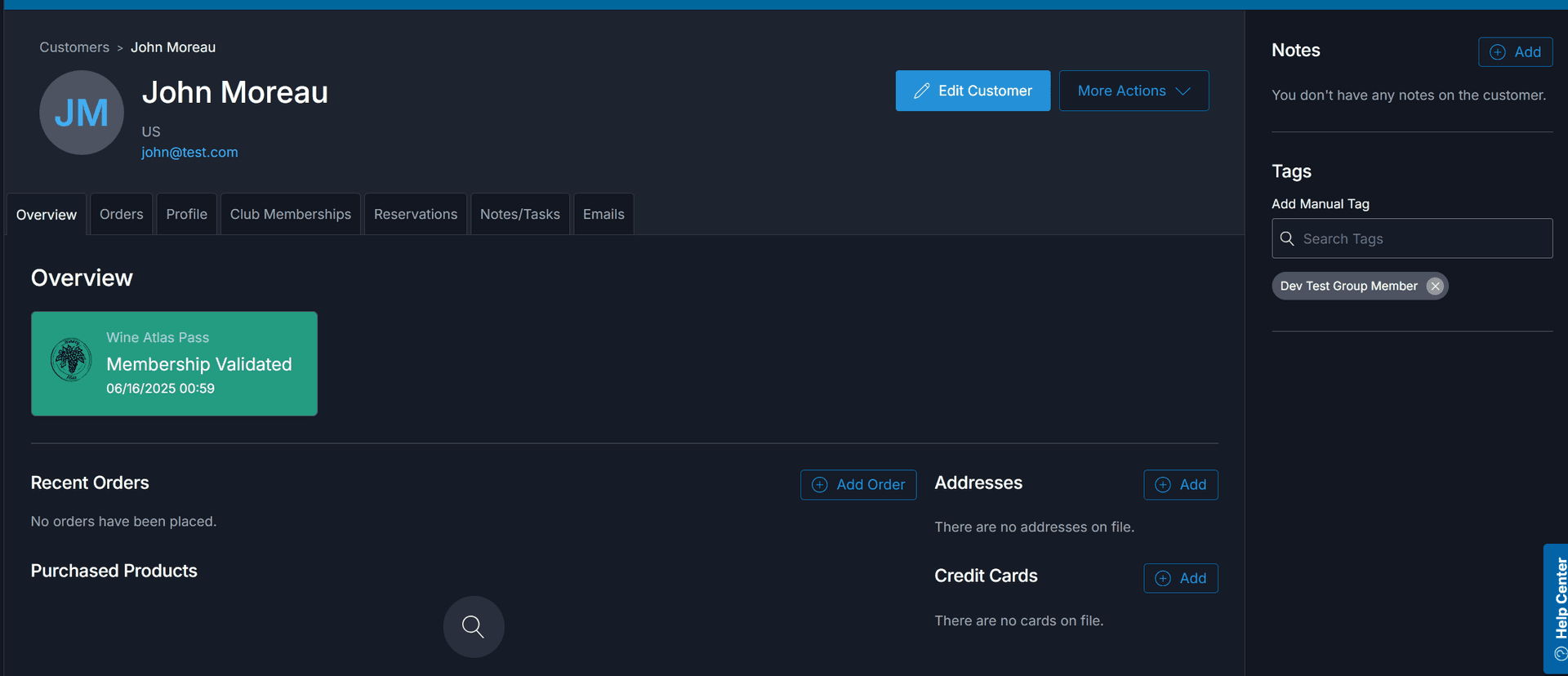
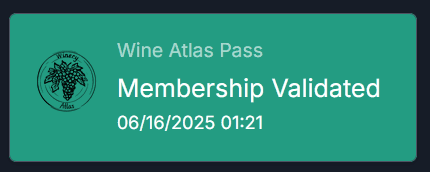
Validated members will display a confirmation badge showing their collective membership status.
Manual Email Validation
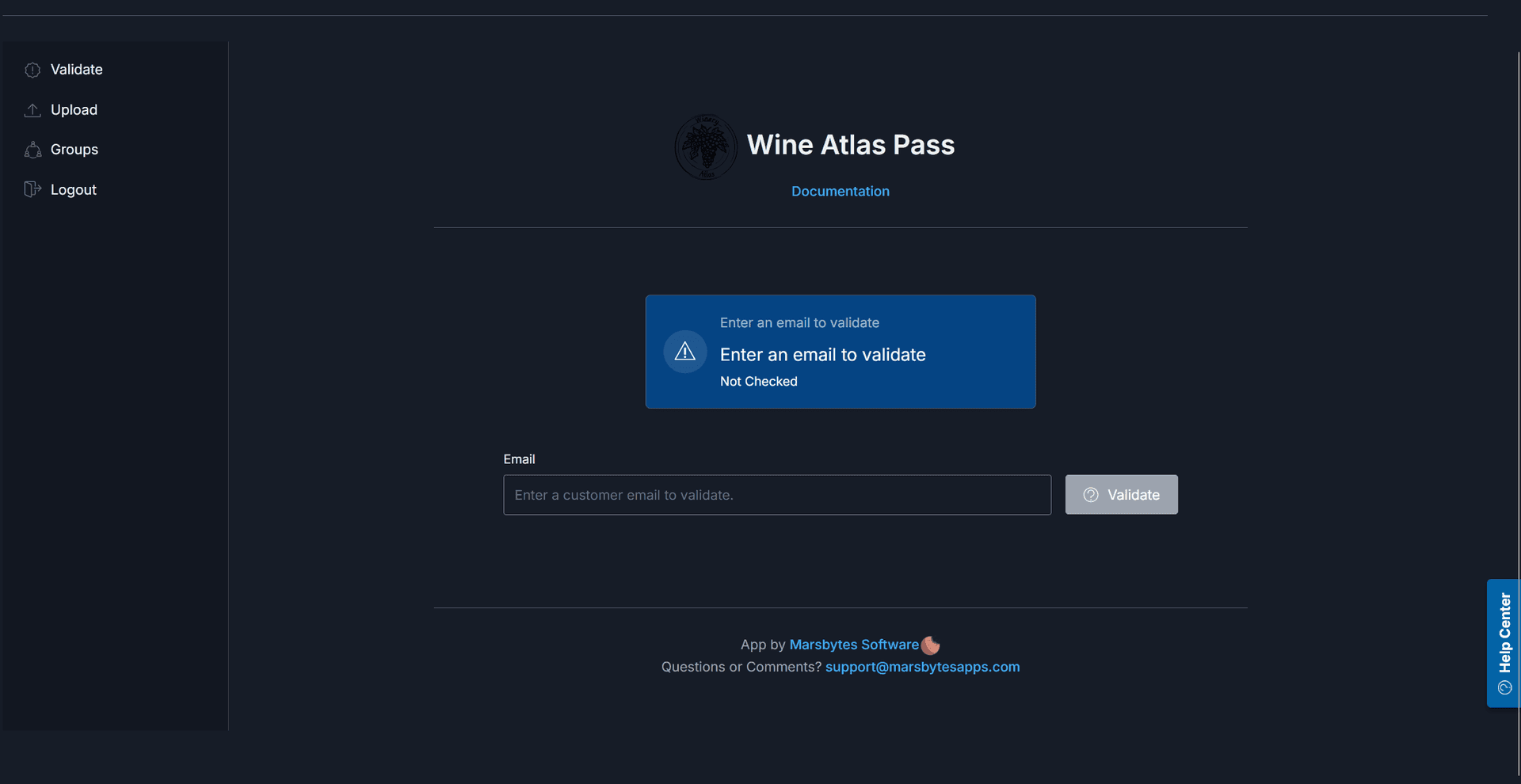
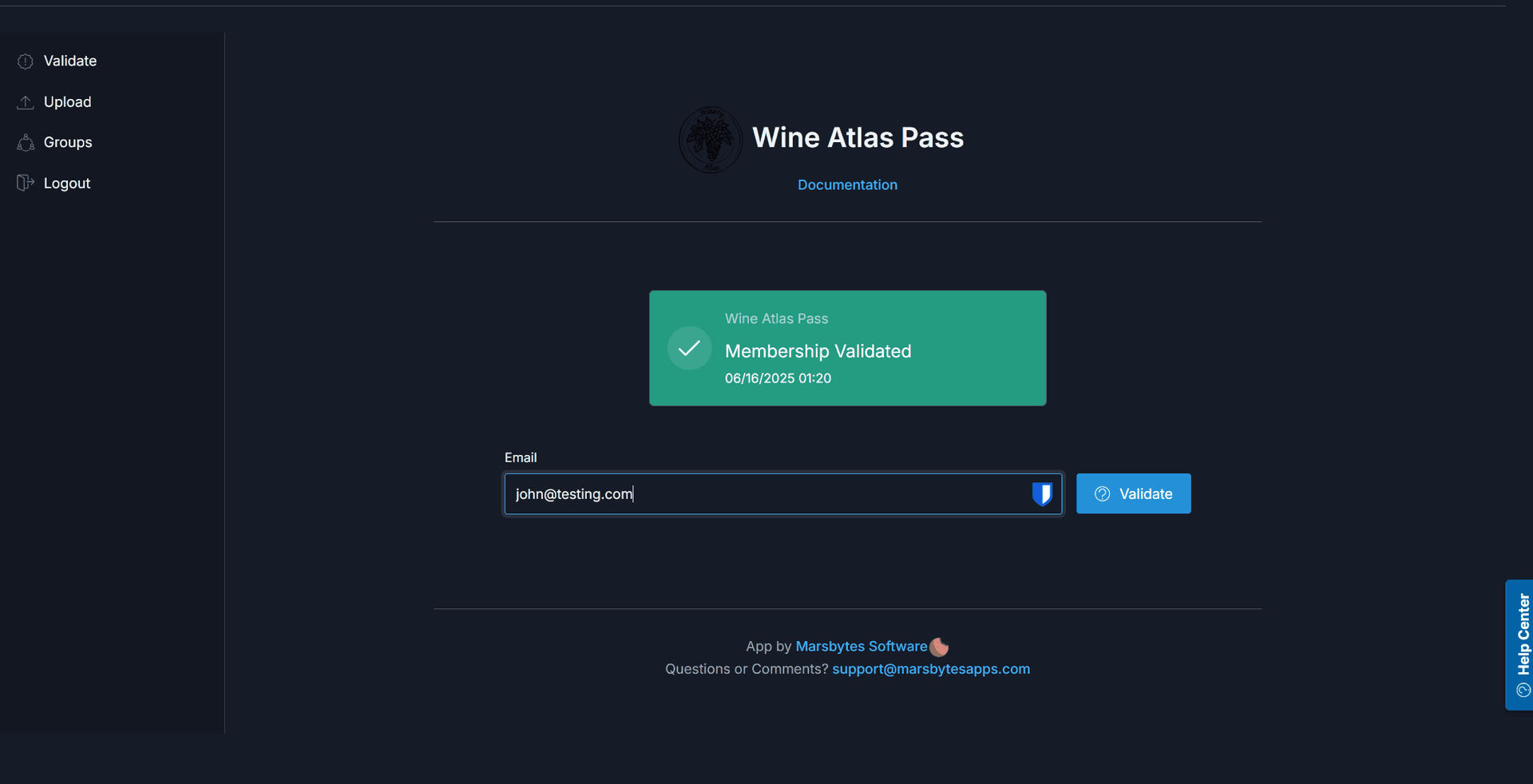
Use the manual validation form to quickly check if a customer email is associated with any Wine Atlas Collective club memberships. This is perfect for front-desk staff who need instant verification.
Upload External Member Lists
If you have membership lists from non-Commerce7 sources, you can upload them directly to expand the collective's validation database. This ensures comprehensive coverage of all member wineries.
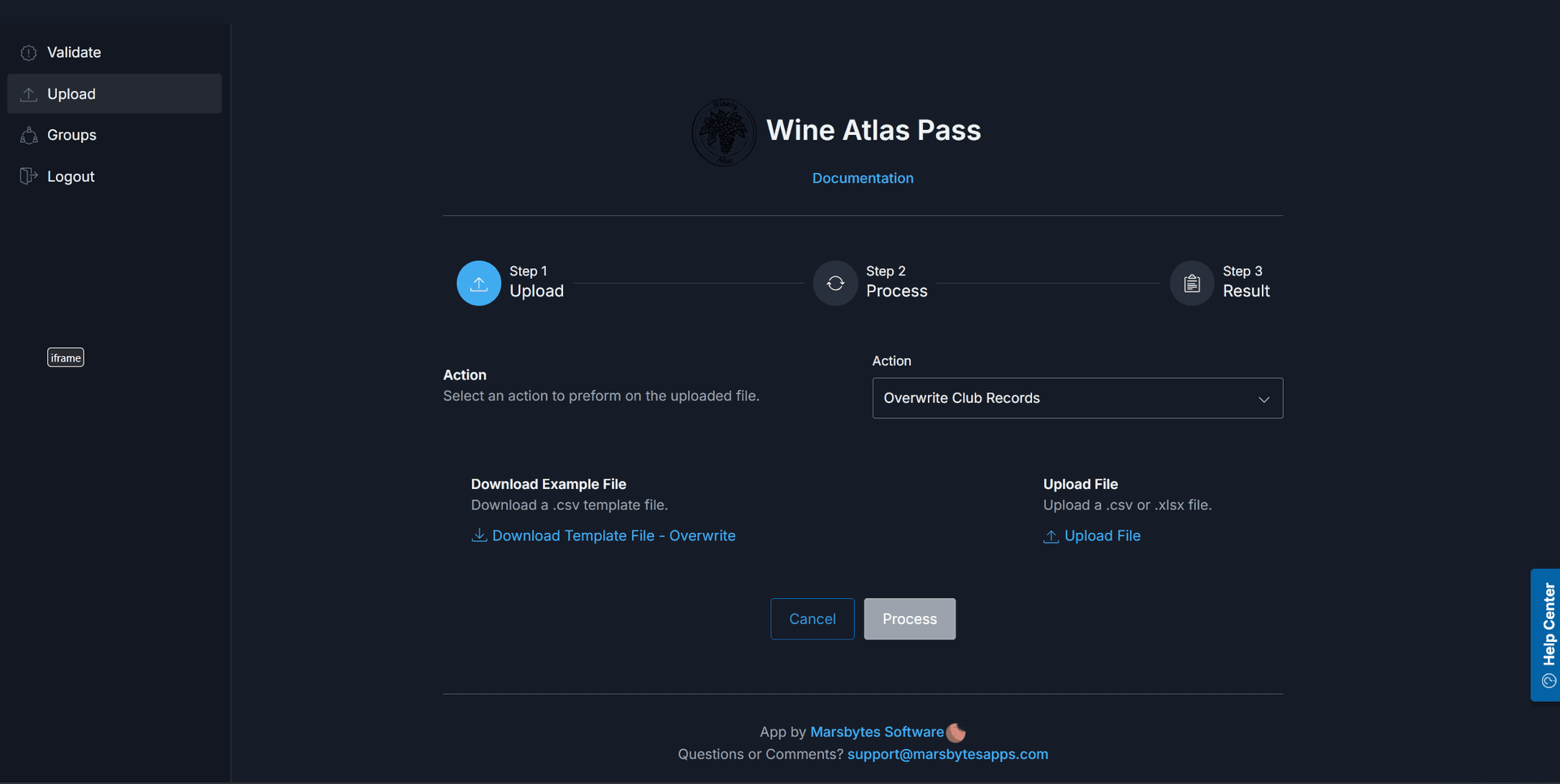
Sync Club Memberships
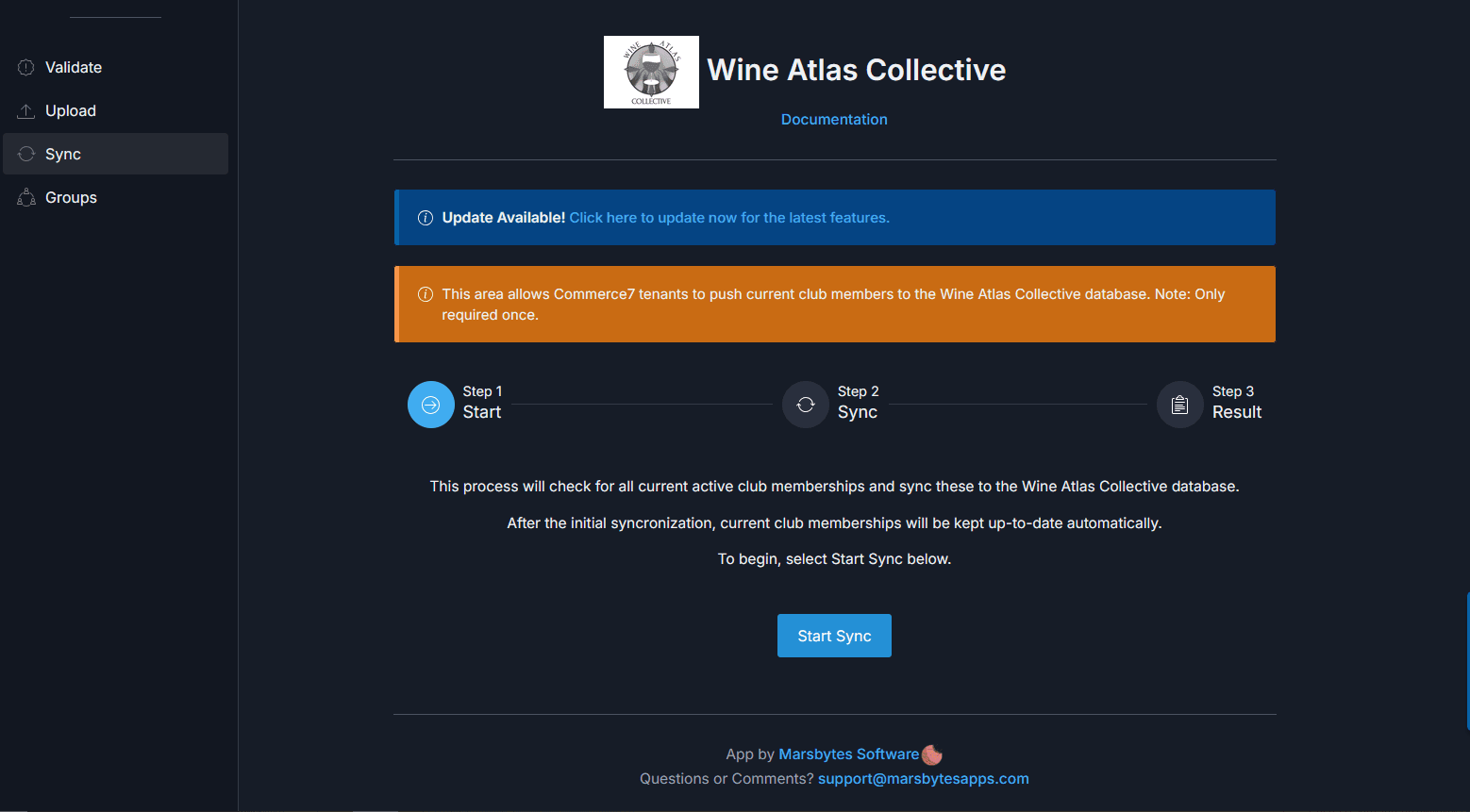
To speed up database queries and make your group members much happier, sync your tenant's club memberships to the Wine Atlas Collective database. This ensures lightning fast validation across all tenants. Note: After initial sync, club memberships are kept up-to-date automatically with webhooks.
View Group Members
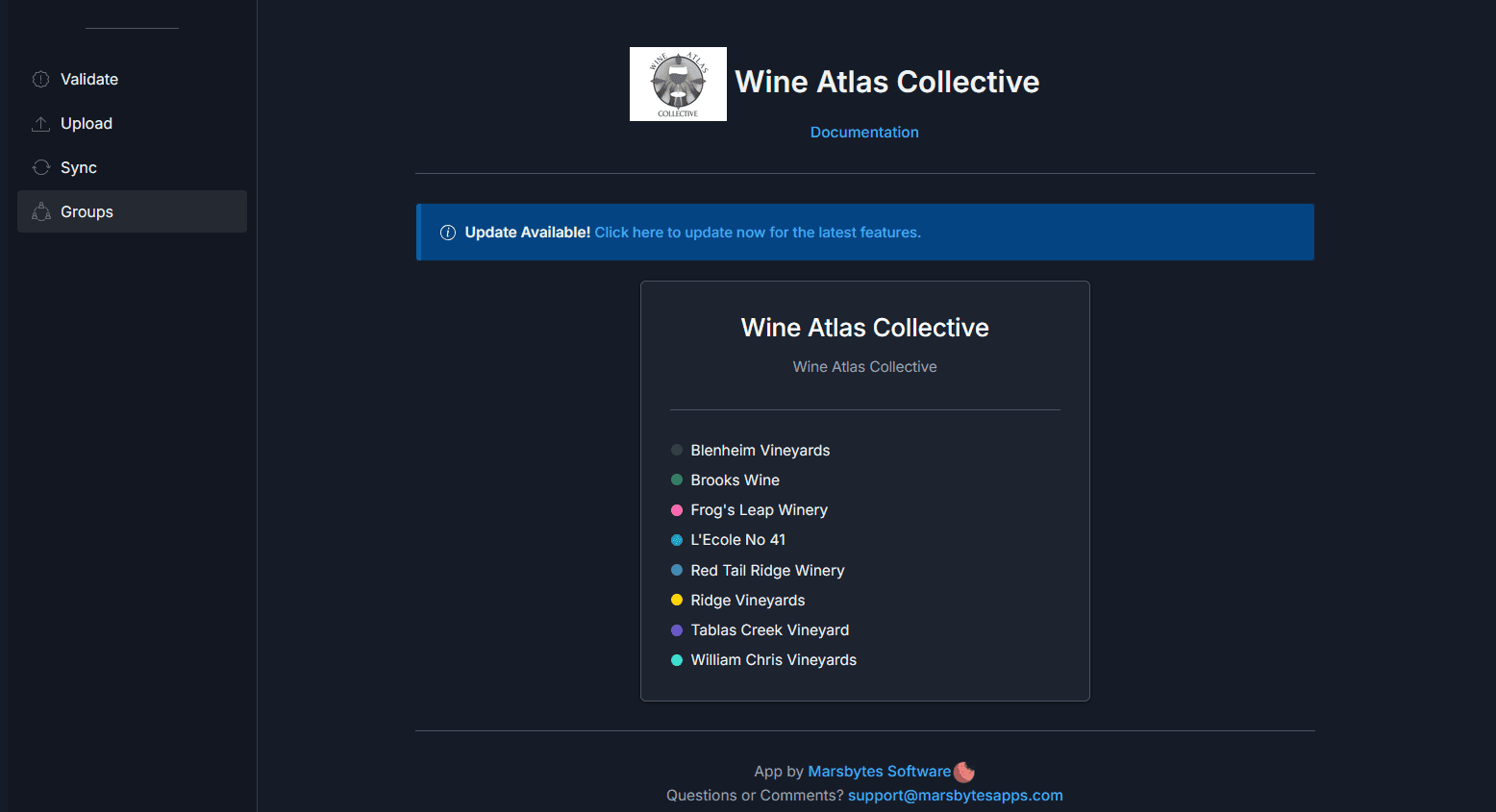
See a complete list of all wineries participating in the Wine Atlas Collective. This helps you understand the full network and identify collaboration opportunities.
Bulk Validation & Reporting
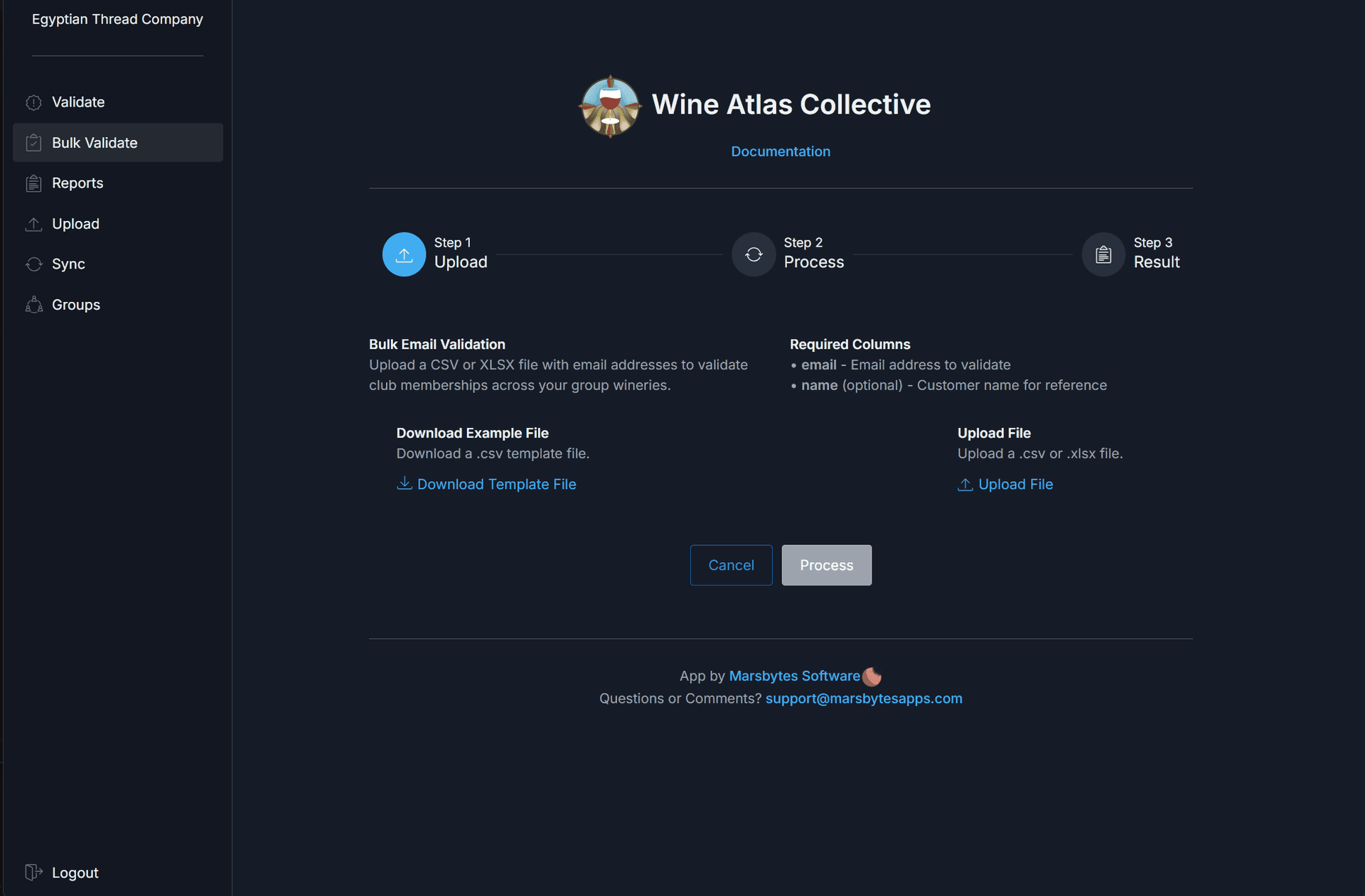
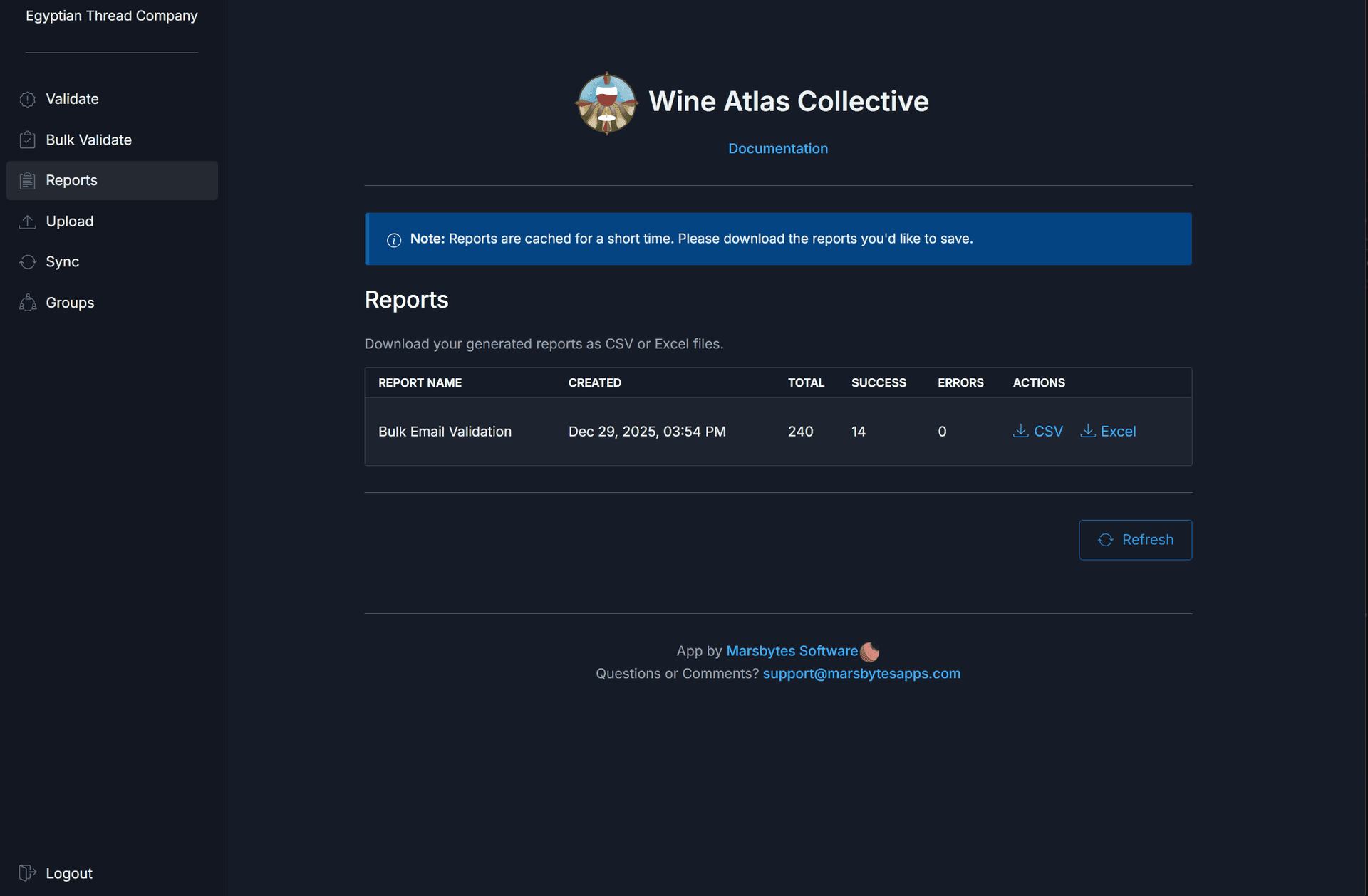
Run bulk validations and generate comprehensive reports for analysis and record-keeping. Download detailed results to track validation history and member engagement.
Important Notes
- →The app does NOT tag customers who are exclusively club members of your own winery
- →Customer tags are applied only when membership is confirmed with at least one other collective member
- →All validation data is shared across the Wine Atlas Collective network for accuracy
Need Help?
If you run into any issues, contact us at support@marsbytesapps.com
Please include: your winery name, screenshots of any errors, and steps to reproduce the issue.