
TokushiDesktop email for Linux
A fast, private email client for Outlook / Microsoft 365, Gmail, Zoho and any IMAP mailbox. Free and open source, with your mail kept on your computer.
FreeOpen sourceAGPL-3.0beta
01Features
Everything You Need, Nothing You Don't
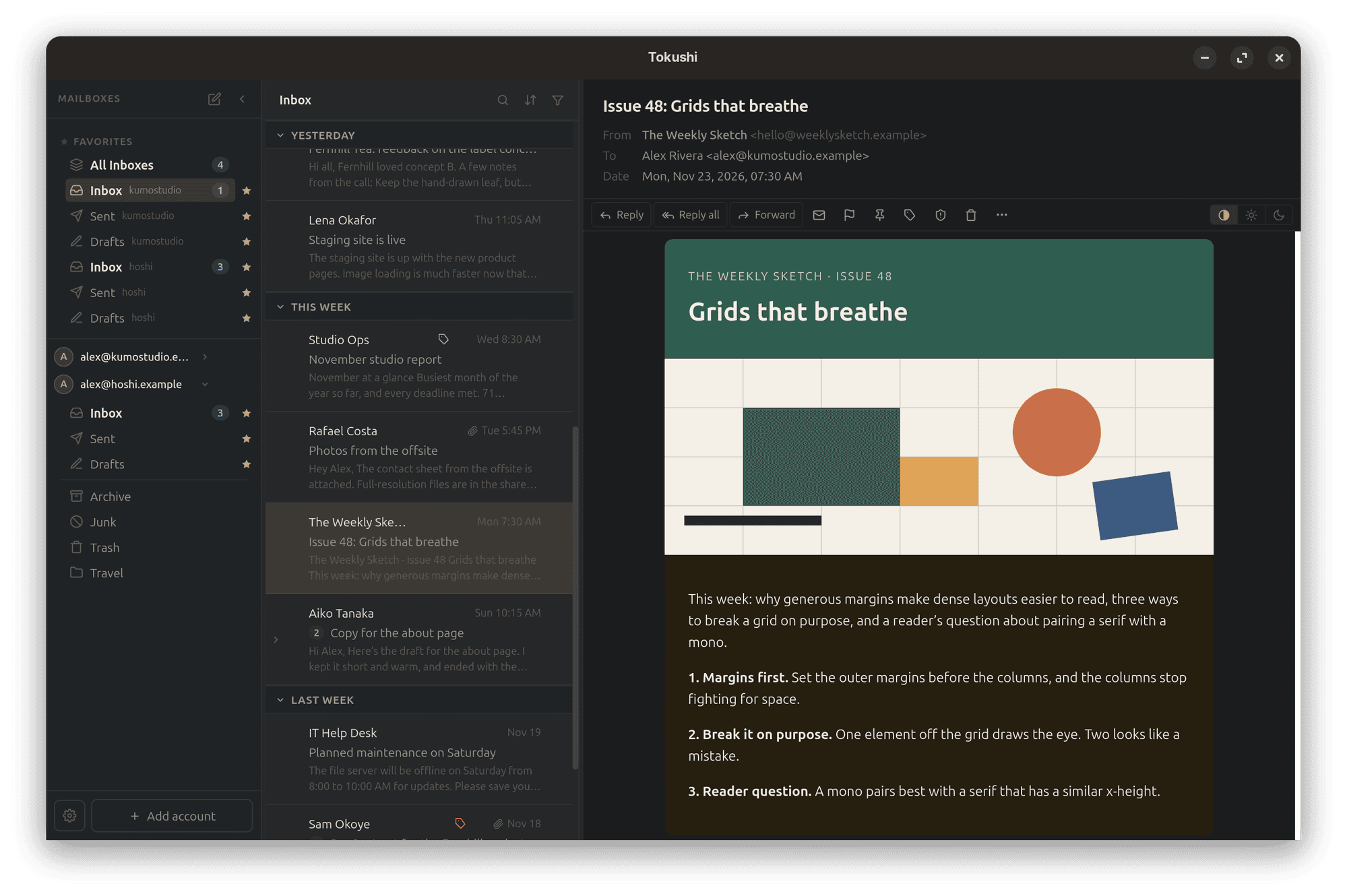
Outlook / Microsoft 365 through Microsoft Graph, plus Gmail, Zoho and any IMAP/SMTP mailbox
Several accounts in one window, with a unified inbox and favorite folders across accounts
Conversation view, full-text search, tags and pins
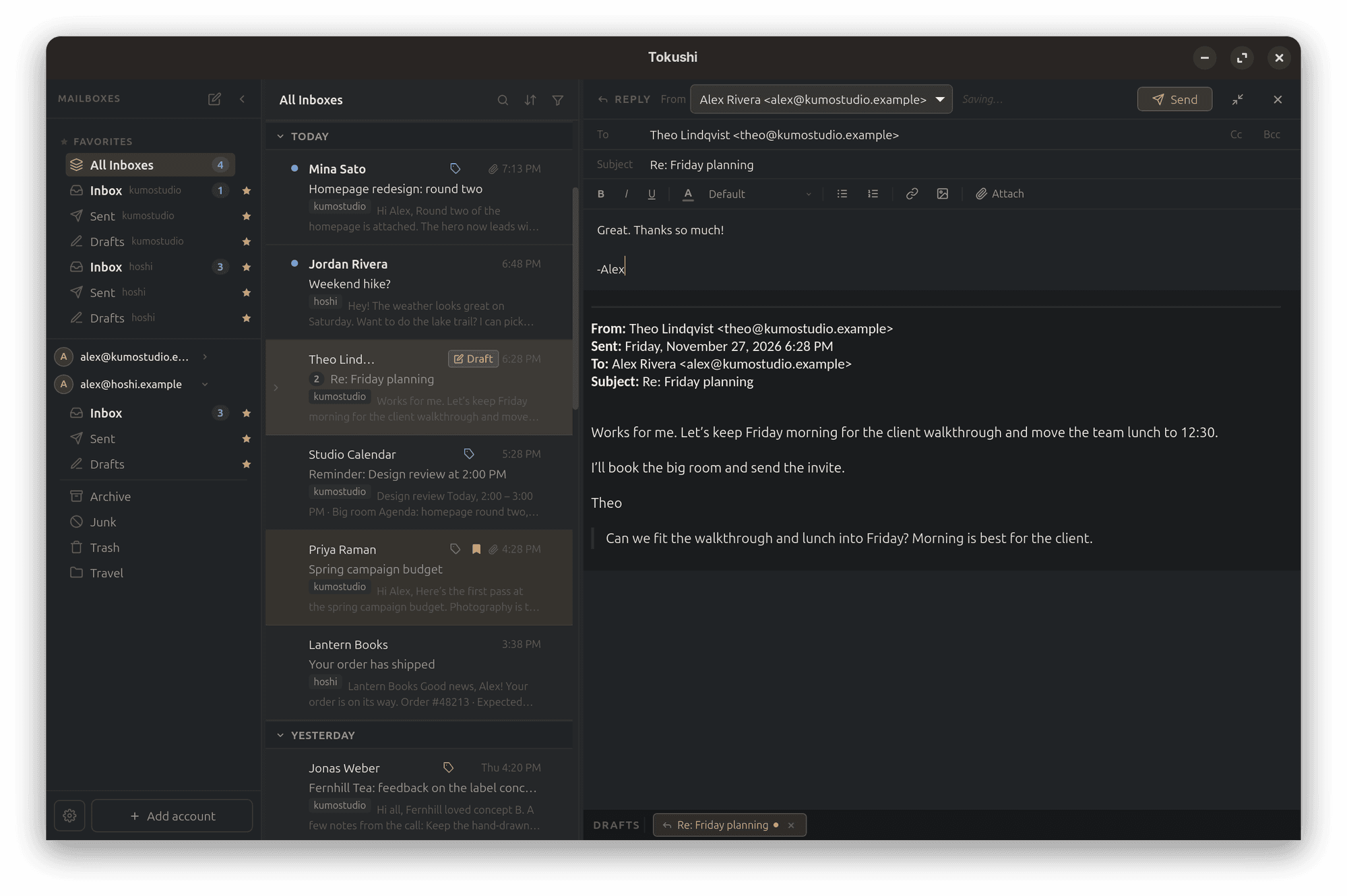
Compose with Cc/Bcc, attachments, signatures, reply all and forward
New mail arrives instantly on IMAP accounts
Report junk and phishing, with undo for deletes and read changes
Light and dark modes, eight color themes and a tray icon
Small and fast, built with Rust and Tauri
02Privacy
Private by Design
- Your mail stays with you
- Tokushi talks directly to your mail provider. There are no MarsBytes servers in between, and mail is cached only on your computer.
- No tracking
- No analytics, ads or telemetry. Remote images, which senders use to see when you open a message, are blocked until you allow them.
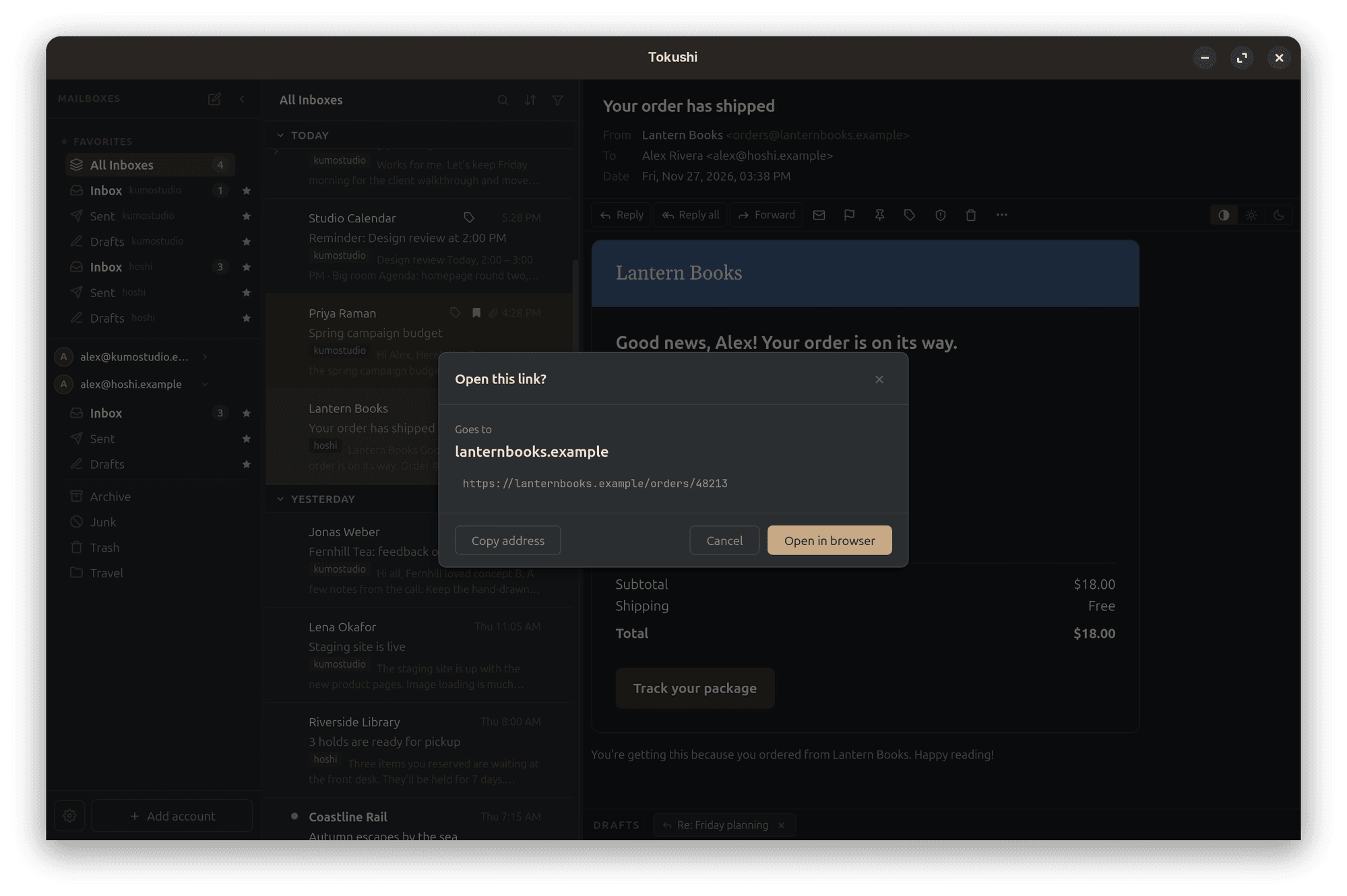
- Links you can trust
- Every link shows where it really goes before it opens, with a warning when the text names a different site.
- Passwords in your keyring
- Passwords and sign-in tokens are kept in your system keyring, such as GNOME Keyring or KWallet.
Details are in the Tokushi Privacy Policy.
~/tokushi
$ tokushi --about
- platform
- Linux (.deb, .rpm, AppImage)
- accounts
- Outlook, Microsoft 365, Gmail, Zoho, IMAP
- license
- AGPL-3.0-or-later
- built with
- Rust, Tauri 2, Svelte 5
- price
- free
03Get started
Up and Running in Minutes
01
Install
Download the .deb (Debian, Ubuntu), .rpm (Fedora, openSUSE) or AppImage (anything else) from the latest release.
02
Outlook / Microsoft 365
Choose Outlook and sign in through your browser. Tokushi never sees your Microsoft password.
03
Gmail, Zoho and IMAP
Use an app password from your provider. Google requires 2-Step Verification before it will issue one.
Needs a Secret Service keyring, such as GNOME Keyring or KWallet. Building from source is covered in the README.
Tokushi Privacy PolicyTokushi Terms of UseLicense (AGPL-3.0)Not affiliated with Microsoft, Google or Zoho.